New to AI? Start here → Start 1. ChatGPT vs. Codex: what's the difference?
Add Context7 as a Codex plugin
In one line
Add Context7 as a Codex plugin
Look up library docs and use them as the basis for your code.
The big picture
Illustration (may look a little different from the real screen)
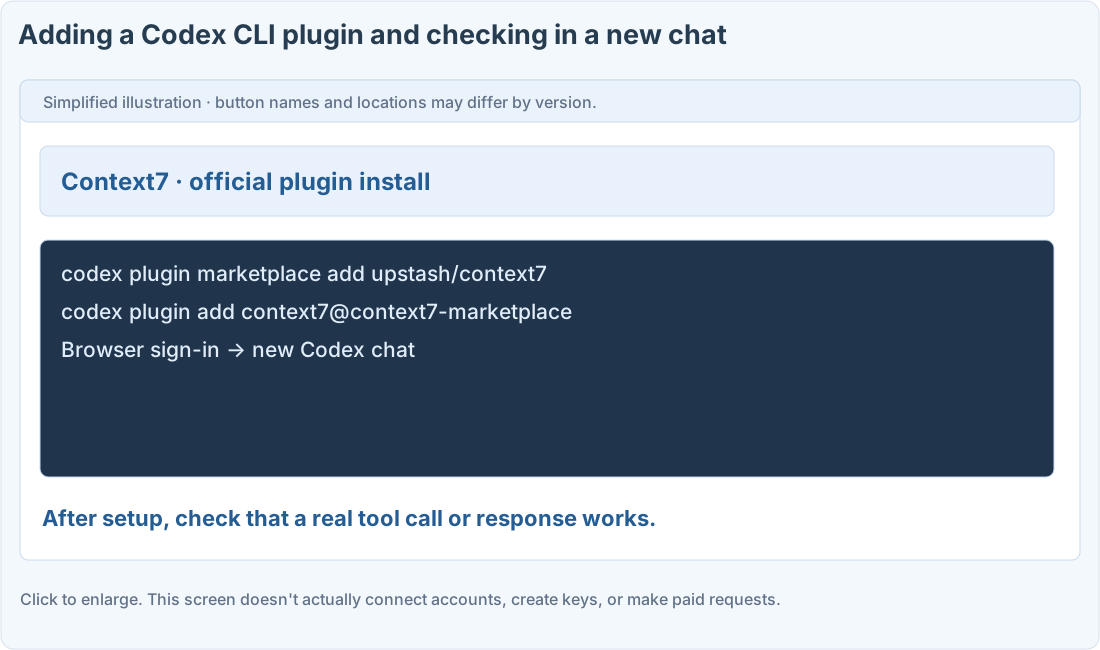
Follow along
What the star count does (and doesn’t) tell you
When checked on November 10, 2026, Context7’s official GitHub showed about 64.4k stars. That shows interest, not install counts or search rankings. It’s a plugin for looking up docs, and even after connecting you still need to check the library version and the original docs.
Install it through Codex CLI’s plugin path
1. Check whether your Codex CLI supports it
In your terminal, run codex –version and codex plugin –help. If the commands aren’t there, start with the current official install and update guide. This page doesn’t run any commands for you.
2. Add the official repository as a marketplace
Run the two commands below in order. The plugin and its dependencies are installed into your real setup. Check the official source and currently supported commands before going ahead.
3. Finish signing in through the browser and start a new chat
Follow the OAuth sign-in in the official install guide. Tell apart “installed but not signed in” from “the docs tool actually works.”
4. Test it with a specific library and version
Send the prompt below to check that it really uses the Context7 tool and shows its sources. Never put your OpenAI API key into Context7’s sign-in.
Commands and prompts you can copy
Official plugin install commands
Check the docs tool actually works
Where people get stuck
If you’re using the API key method
Manual setup is officially offered too, but this guide focuses on the OAuth plugin path. For the key method, use a separate key from the Context7 dashboard and the current docs for your client. Check the provider’s terms for usage limits and pricing.
Quick check: Can I put my OpenAI API key into Context7’s sign-in?
Answer: “No, each service has its own sign-in and keys”
Every service has its own way of authenticating. Don’t mix keys from different providers.
Official sources
I'm stuck here
Stuck while following along? Tell me where. Only the site owner sees this. Leave your email only if you'd like a reply.
💌 Get new tips by email
I'll email you when a new tip goes up. No ads, ever.