New to AI? Start here → Start 1. ChatGPT vs. Codex: what's the difference?
Change an existing page the way you want
In one line
Change an existing page the way you want
Instead of changing everything at once, fix one thing at a time and check as you go.
The big picture
Illustration (may look a little different from the real screen)
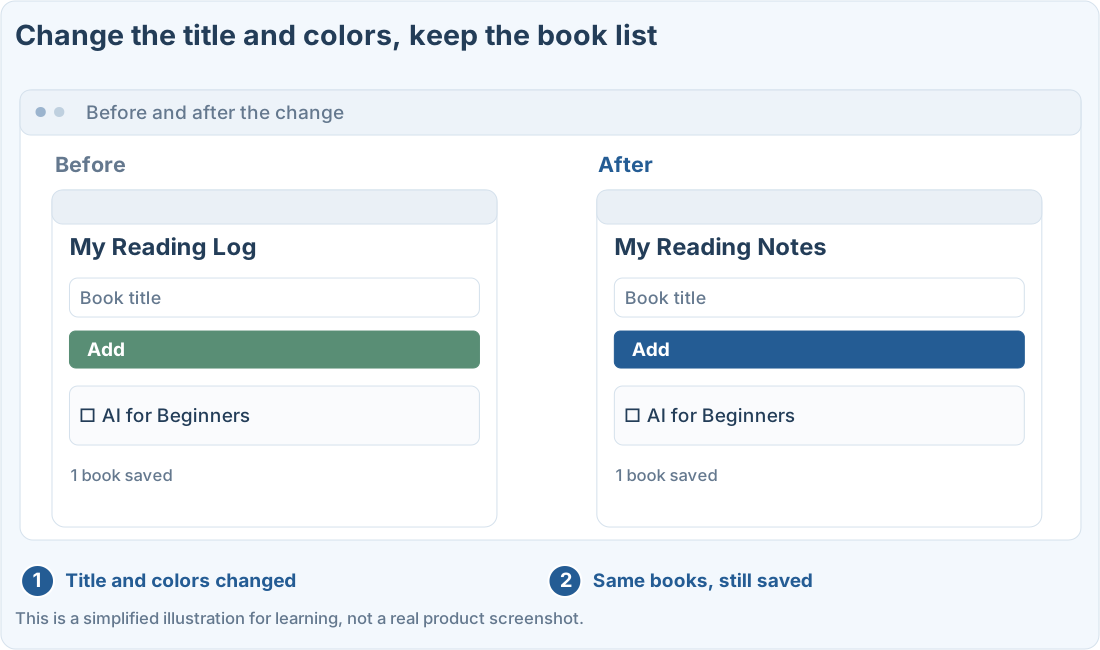
Follow along
Keep a copy of how it was before
We’ll use the reading-log example. First copy the folder somewhere safe, or save the current state with whatever version control you use. Copying the files doesn’t back up data saved in the browser.
Separate what to change from what to keep
Instead of “Make it look nice,” say where on the page and what change you want. Saying what should stay the same, so saving and data don’t change too, makes it easier to review.
After a design change, check three times
1. Check which files the plan changes
First have it explain the related files and how much it will change. If it wants to rebuild the whole structure just to change one color, ask again with a narrower scope.
2. Refresh the same file
After Codex saves the file, refresh the browser you had open. If nothing changed, check that the file it changed is the same one open in your browser.
3. Click through the existing features again
Check in order: add a book → mark as read → refresh → delete. Also make the browser window narrower and check that text and buttons don’t overlap.
Prompts you can copy
Change only part of the page
Undo a change you didn’t want
Where people get stuck
Compare before and after
Illustration (may look a little different from the real screen)
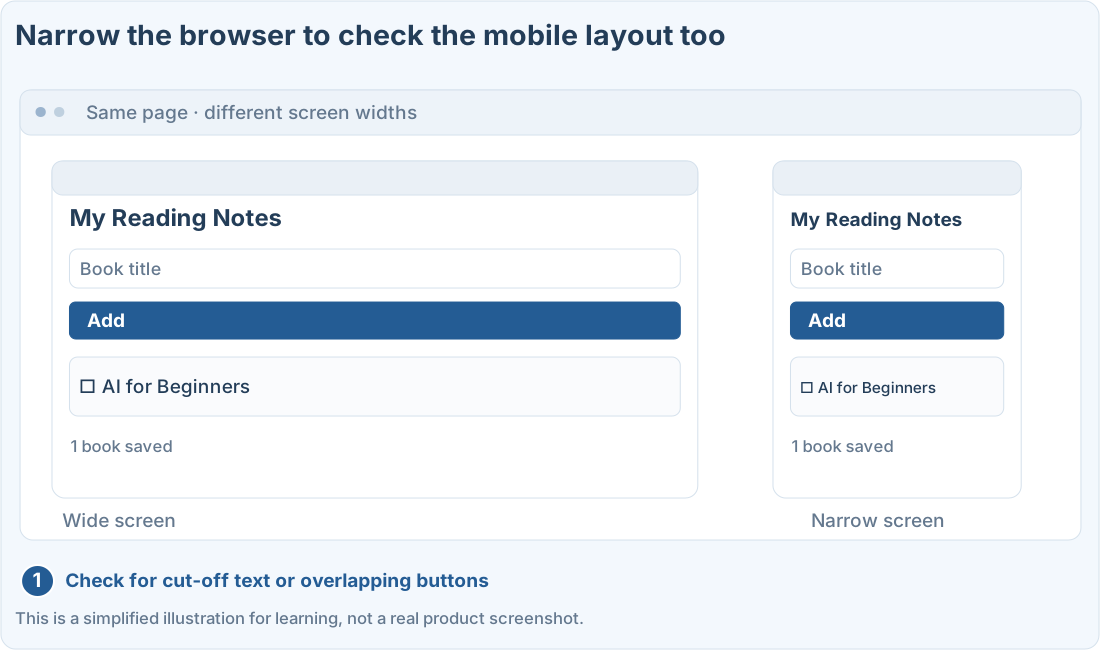
If something changed that you didn’t expect, ask for the changed files and what changed. When going back to an older file, make sure it doesn’t wipe out later changes too.
Quick check: After changing the colors, do I still need to check adding and saving books?
Answer: “Yes, check the existing features too”
Even design changes can affect how things work. Check the main flow again.
Official sources
I'm stuck here
Stuck while following along? Tell me where. Only the site owner sees this. Leave your email only if you'd like a reply.
💌 Get new tips by email
I'll email you when a new tip goes up. No ads, ever.