New to AI? Start here → Start 1. ChatGPT vs. Codex: what's the difference?
Connect Slack and summarize a channel
In one line
Connect Slack and start summarizing channels
A connection that finds messages is different from a bot you call in a channel.
The big picture
Illustration (may look a little different from the real screen)
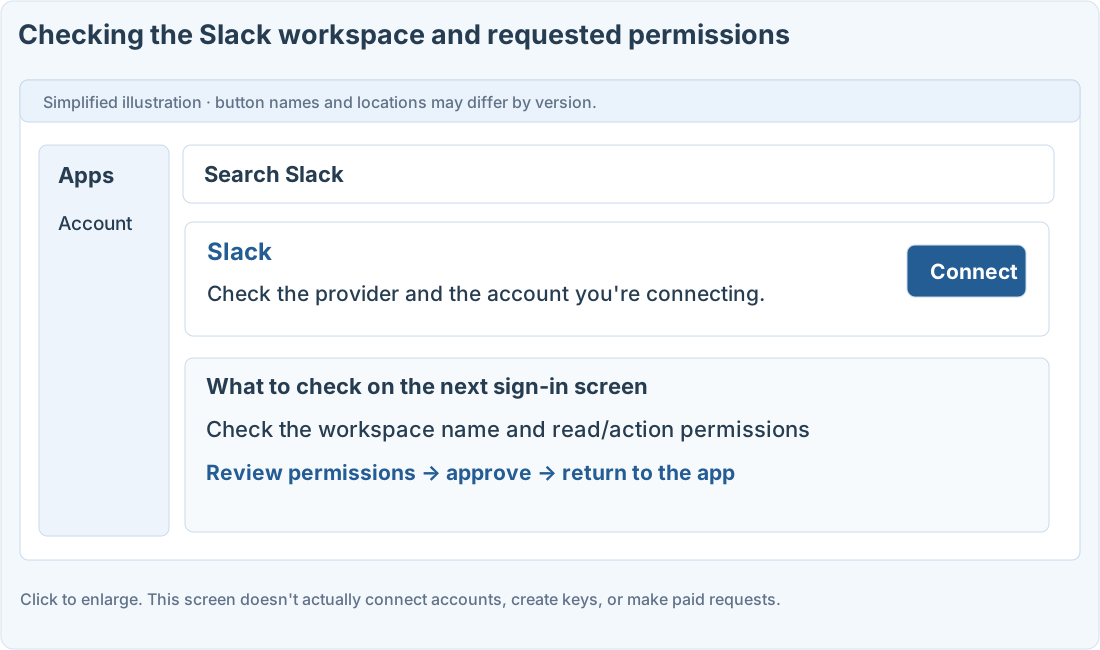
Follow along
In this exercise, you’ll read Slack from inside ChatGPT
You need a Slack workspace account and a practice channel. Availability depends on your ChatGPT plan, region, and admin settings. Setting up @ChatGPT inside Slack for your organization is a separate thing.
Connect your workspace
1. Find Slack in apps or plugins
Make sure the service you’re connecting is Slack, then click Connect.
2. Check the workspace name
If you belong to several teams, choose the workspace that has the channel for this exercise.
3. Review the requested permissions and come back
If your company requires app approval, follow the admin process. It won’t open up channels you can’t already access.
4. Summarize with a specific channel and time range
Ask about a short time range in your test channel. Open the linked source messages and check that it kept decisions and suggestions apart.
Prompts you can copy
Summarize a test channel
Check what was searched
Where people get stuck
Don’t assume it read every single message
Narrow the summary by channel, date range, and keywords. Having it flag periods it couldn’t read and access failures makes reviewing easier.
When testing reading, ask it not to send any messages. Adding @ChatGPT inside Slack follows a separate admin guide.
Quick check: If I connect Slack in ChatGPT, is @ChatGPT inside Slack set up too?
Answer: “No, the organization bot is set up separately”
Reading Slack as a connected source and the assistant inside Slack are set up separately.
Official sources
I'm stuck here
Stuck while following along? Tell me where. Only the site owner sees this. Leave your email only if you'd like a reply.
💌 Get new tips by email
I'll email you when a new tip goes up. No ads, ever.